






Published by Sonic OC Maker · Revised · How these guides are made
Find an idea with a decision inside it
An OC idea becomes useful when it gives you something to make or write. “A purple fox” describes an appearance. “A railway apprentice who finds a fault minutes before the last train” suggests a task, a setting and a decision. You can still choose purple, but now the clothing, expression and backstory have something to respond to.
Find an idea with a decision inside it · INTERACTIVE MAP
Select an entity to explore its role.
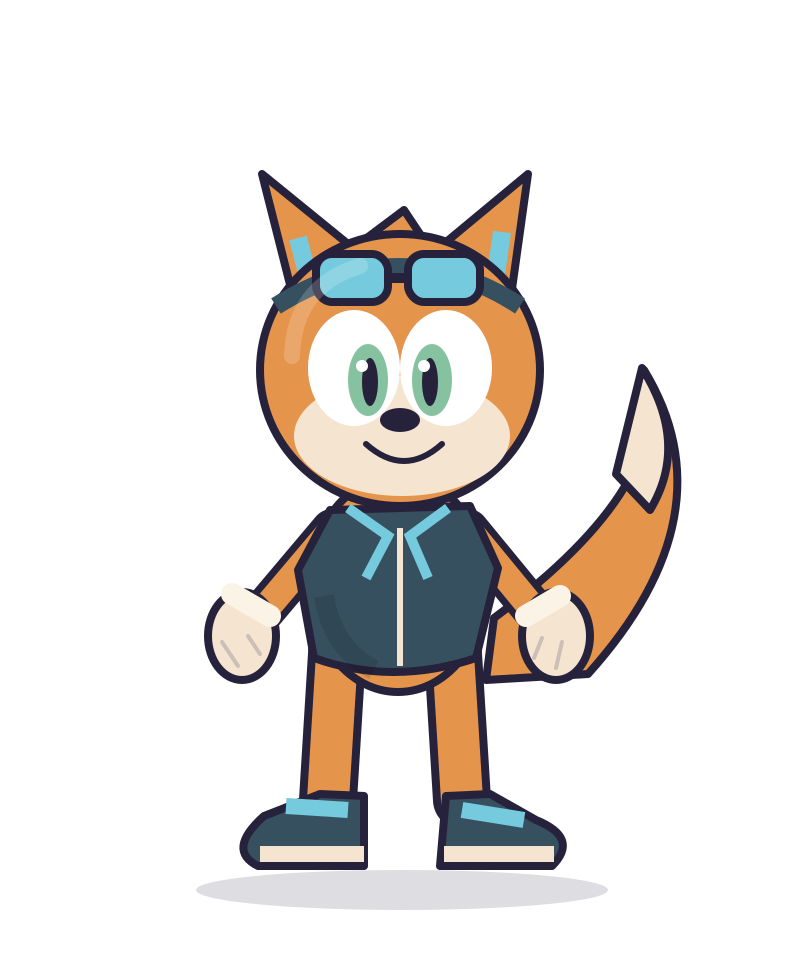
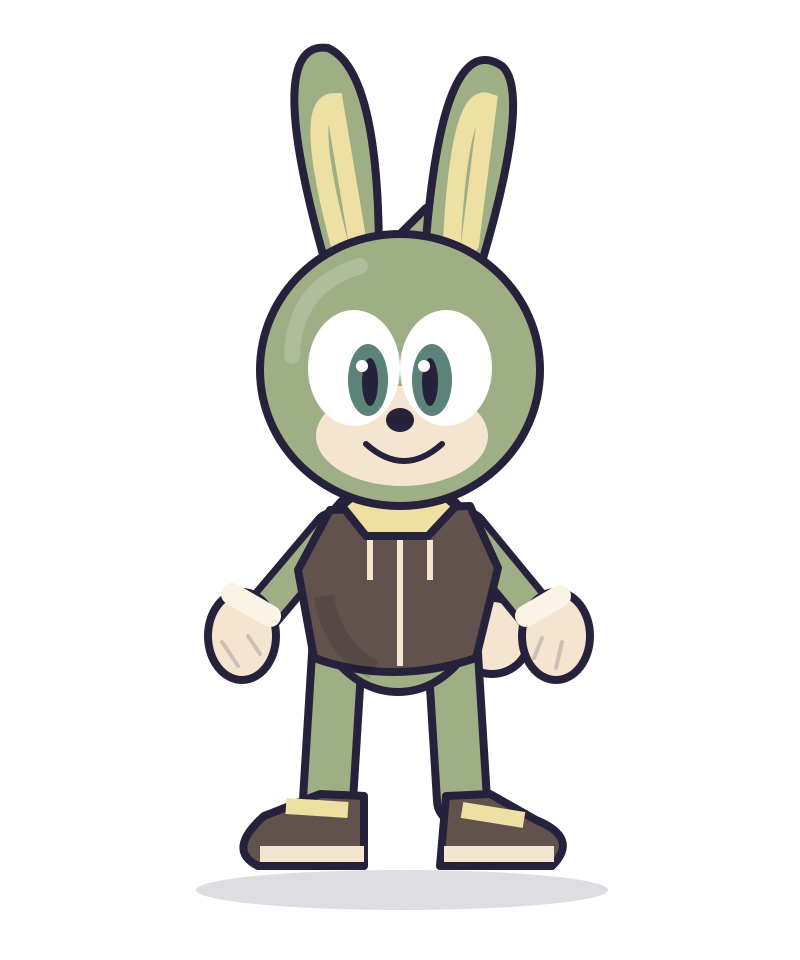
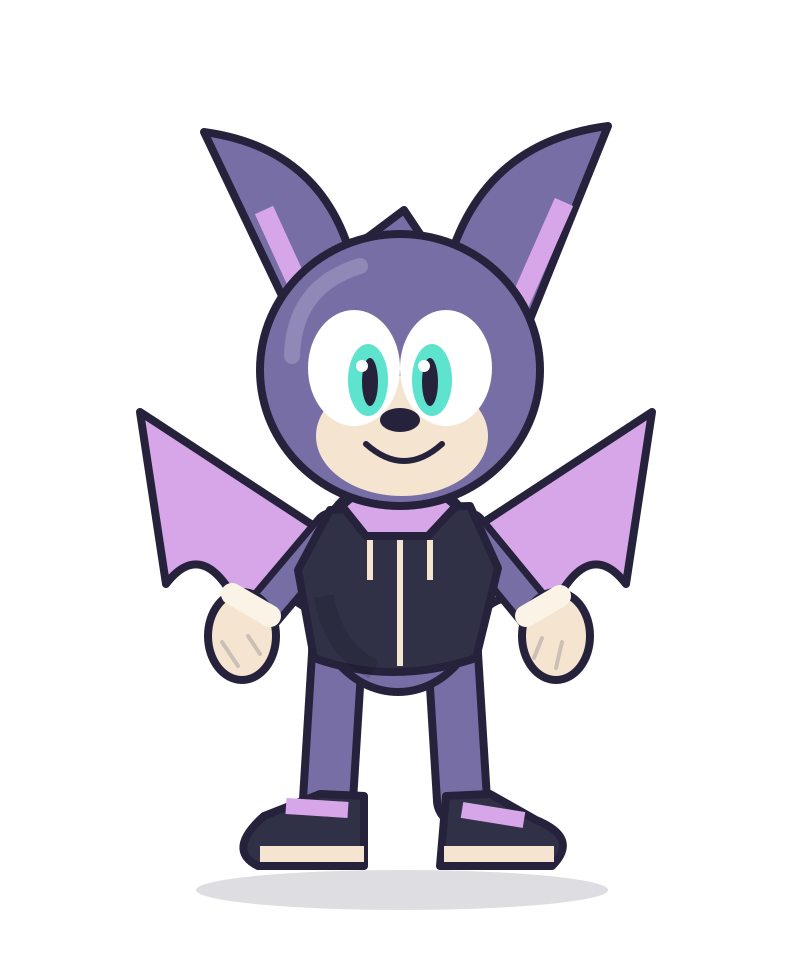
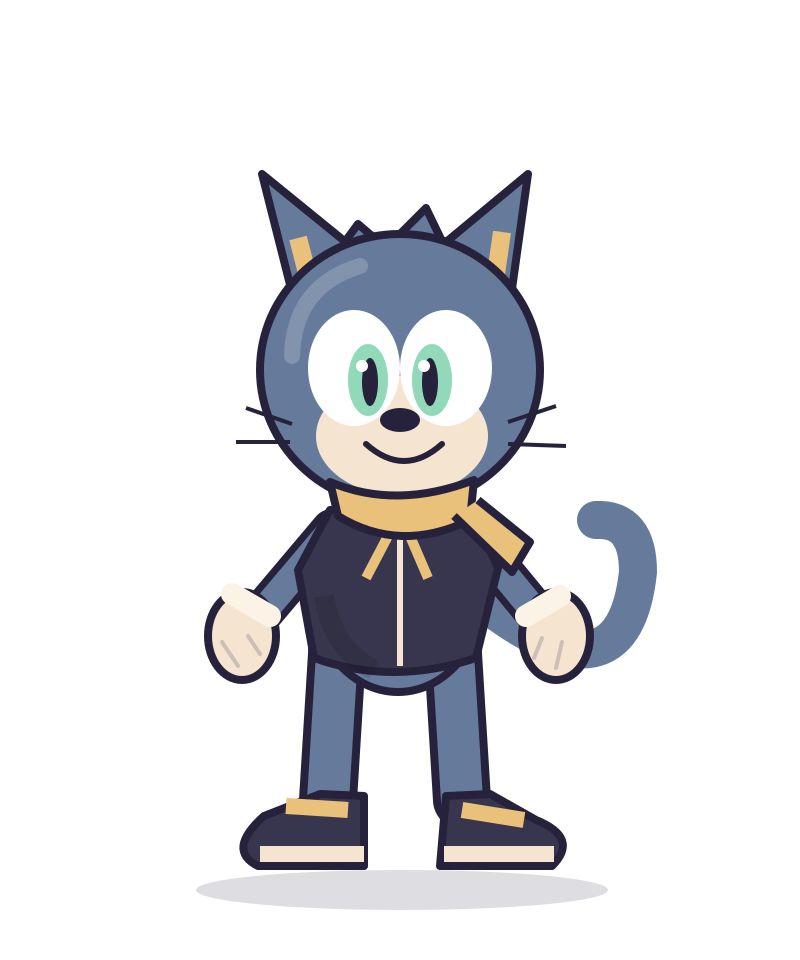
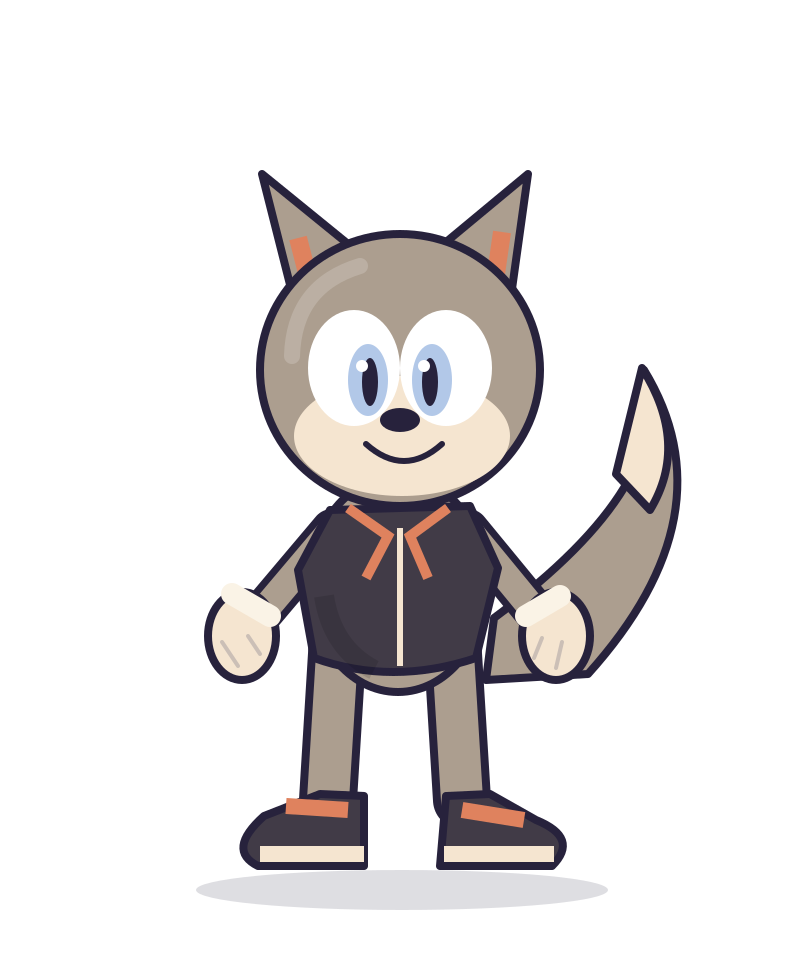
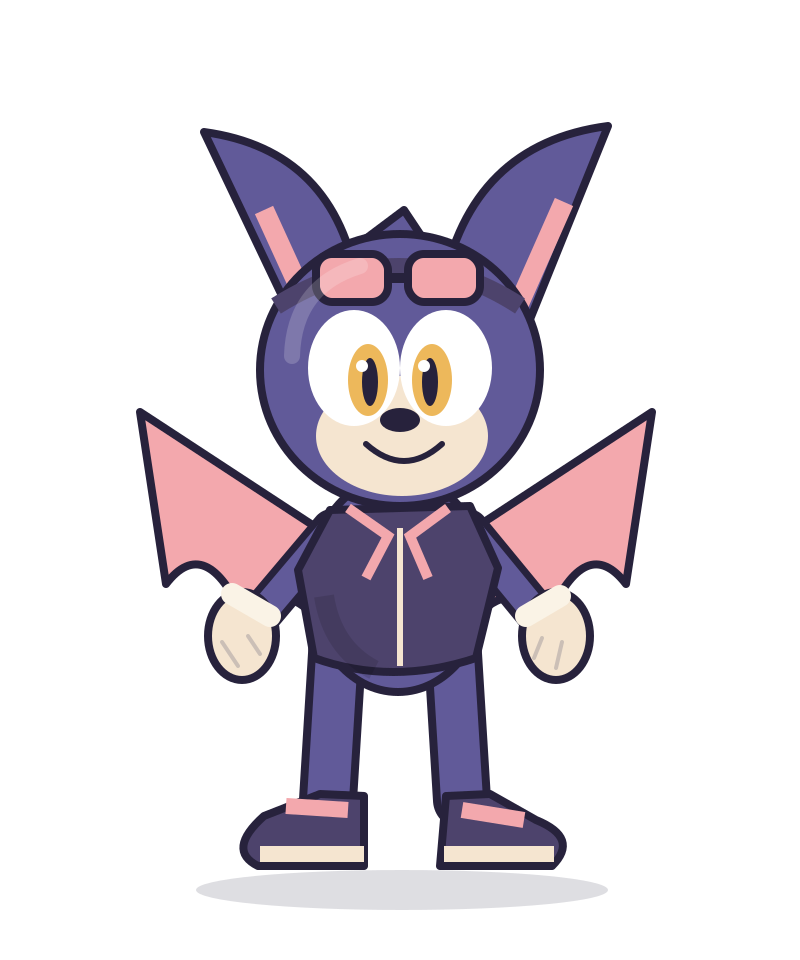
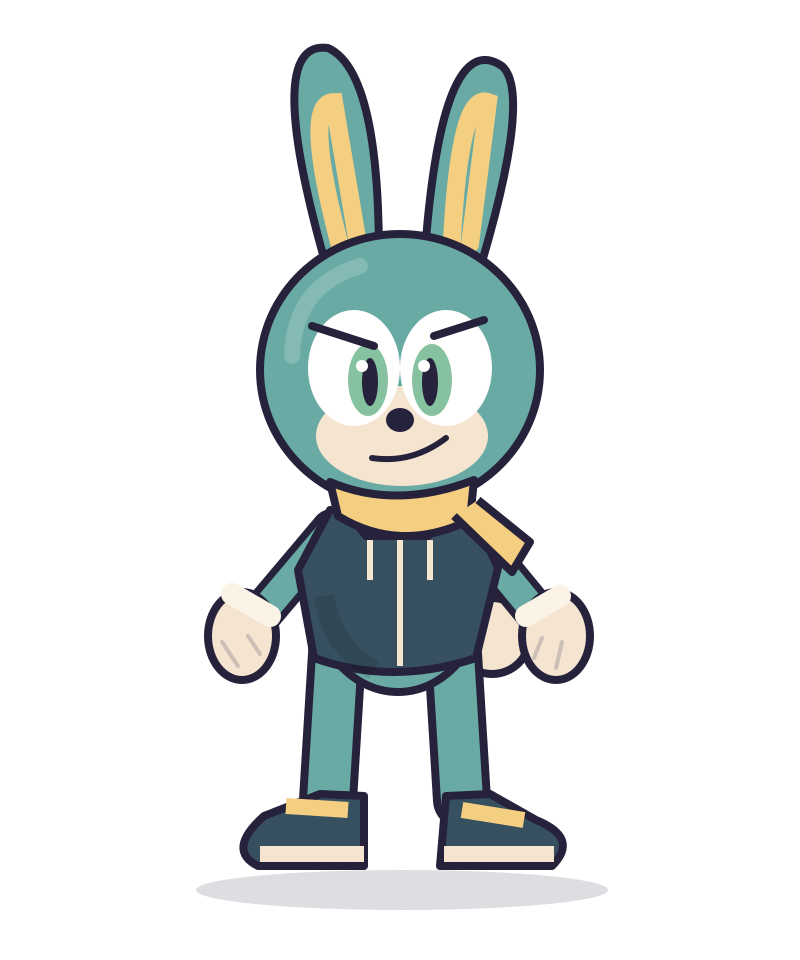
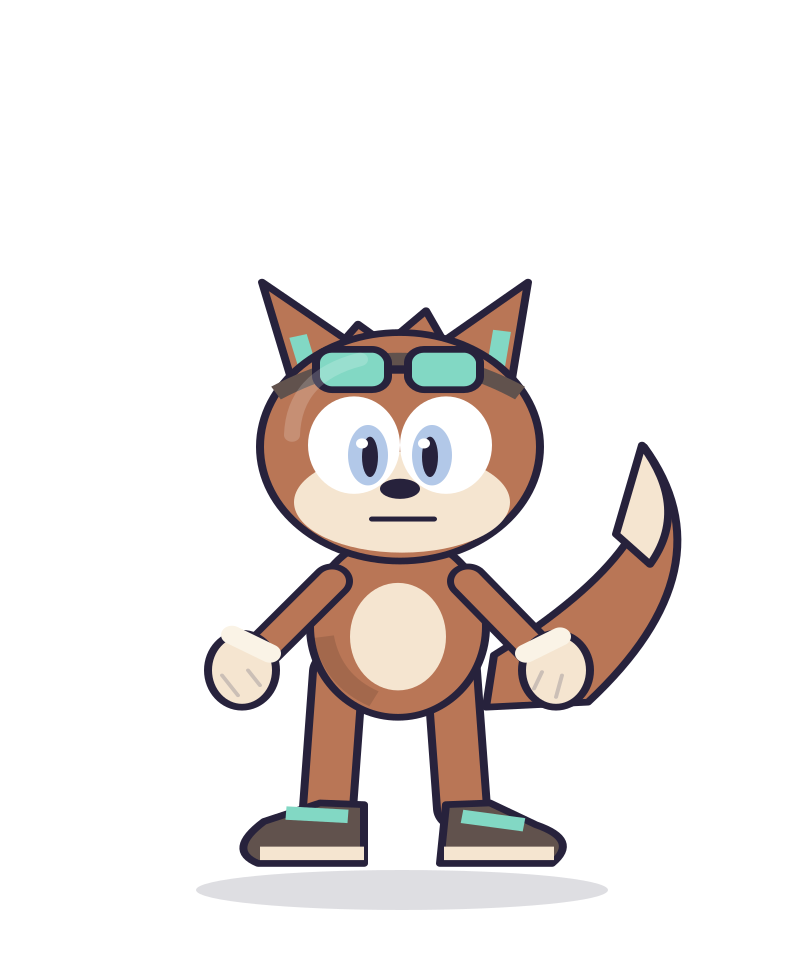
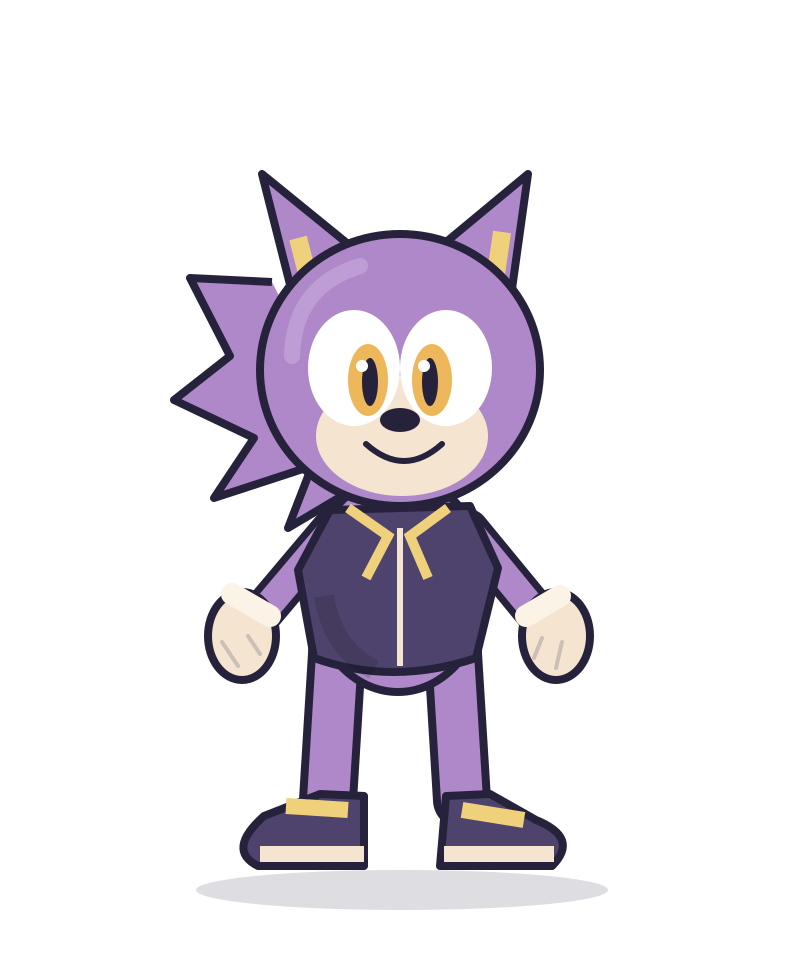
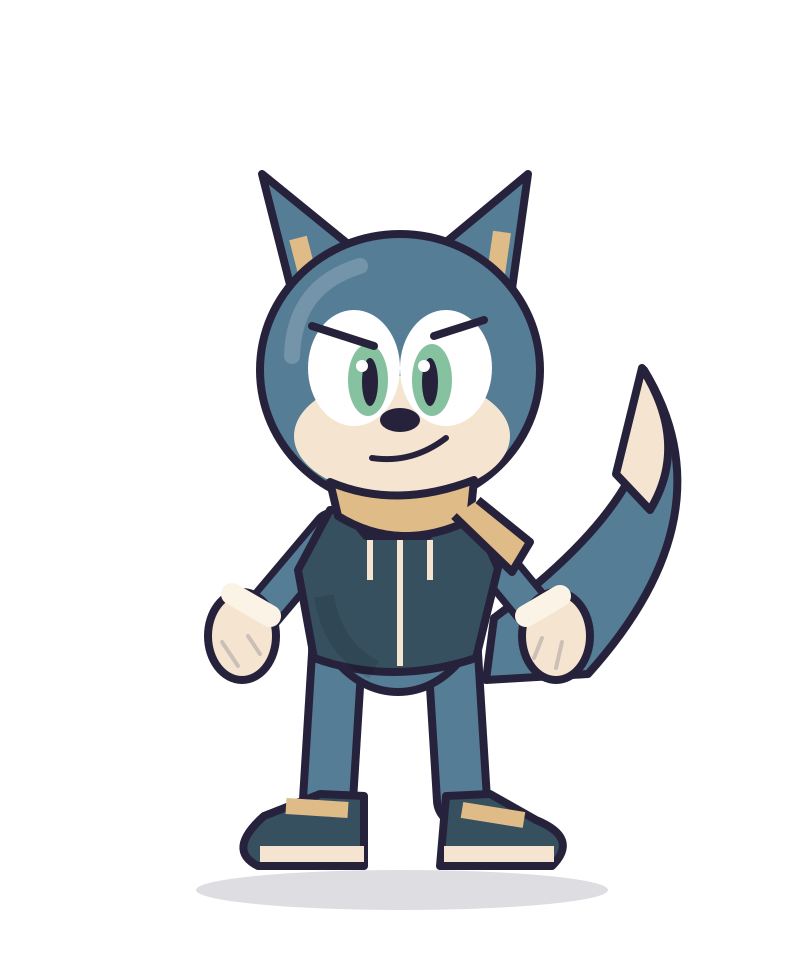
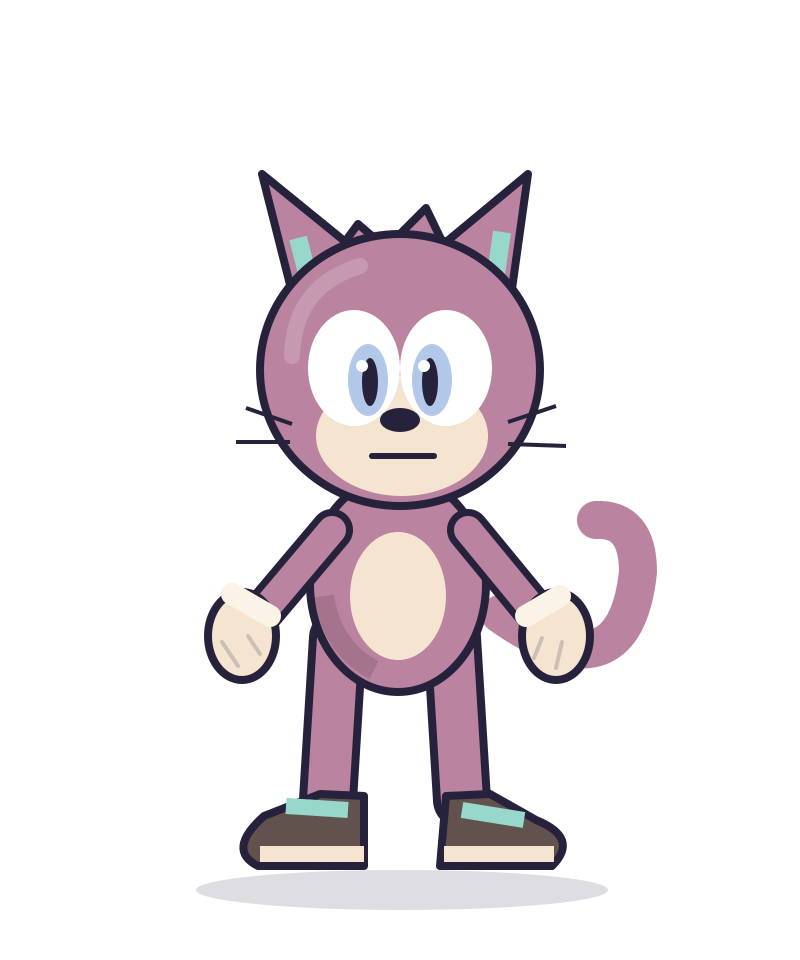
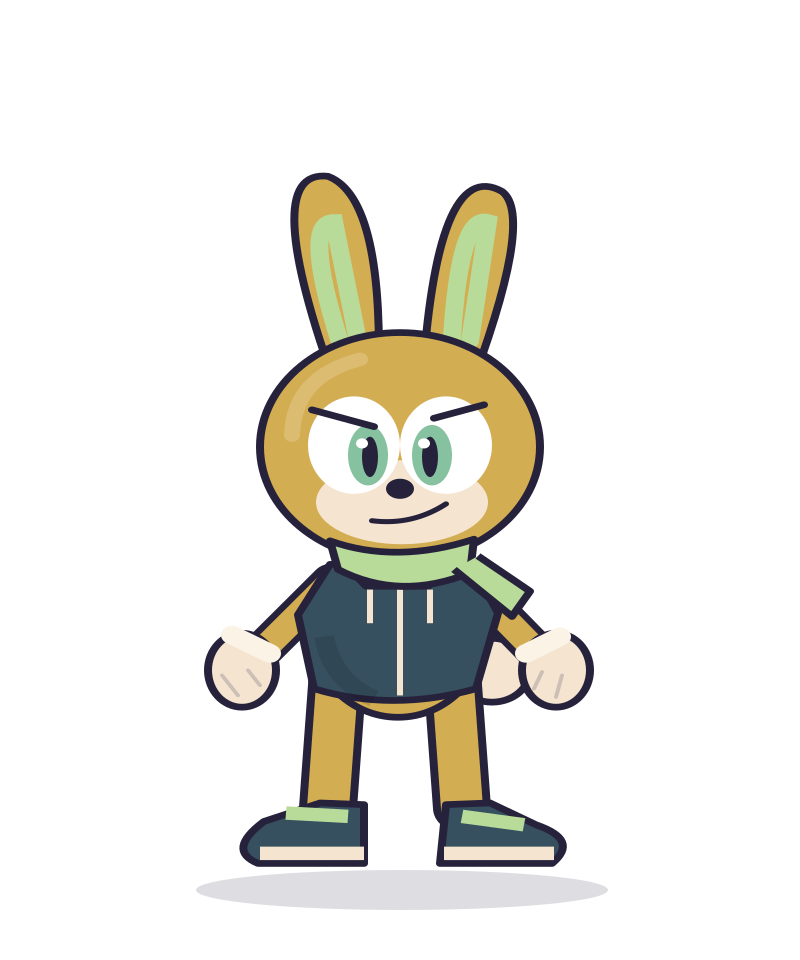
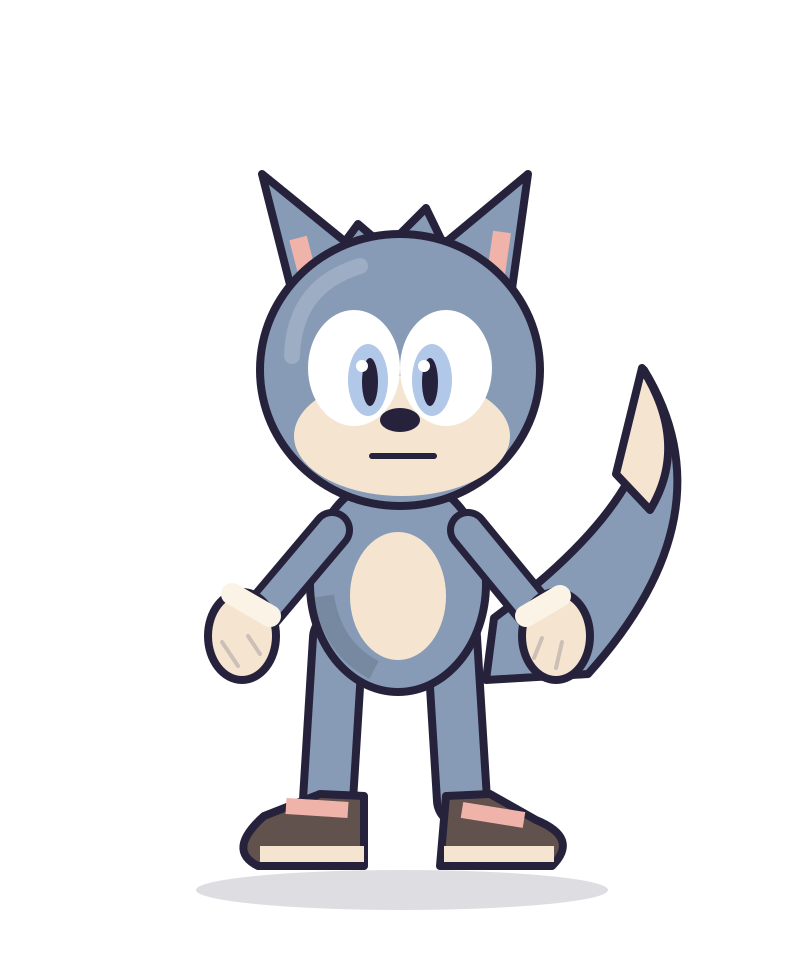
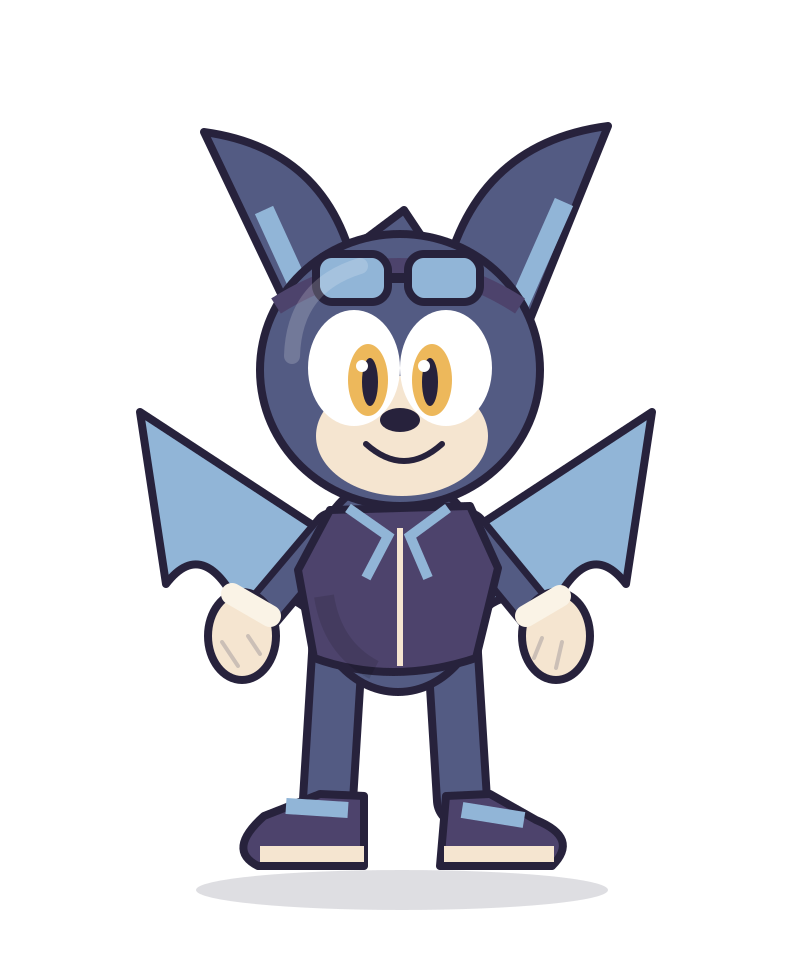
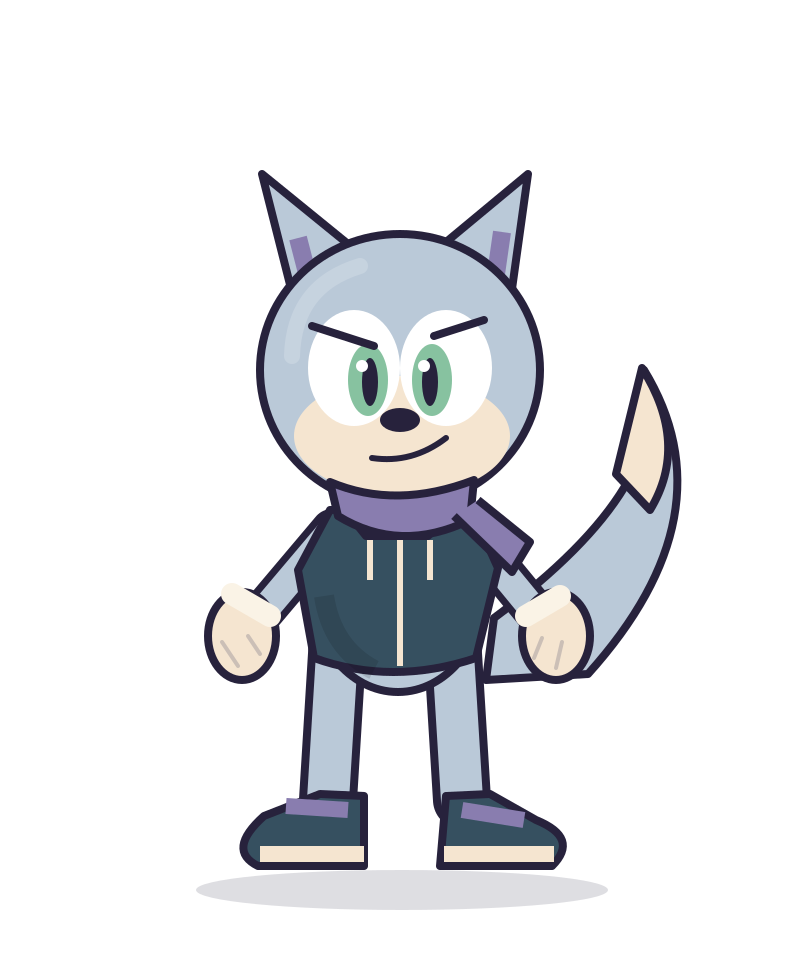
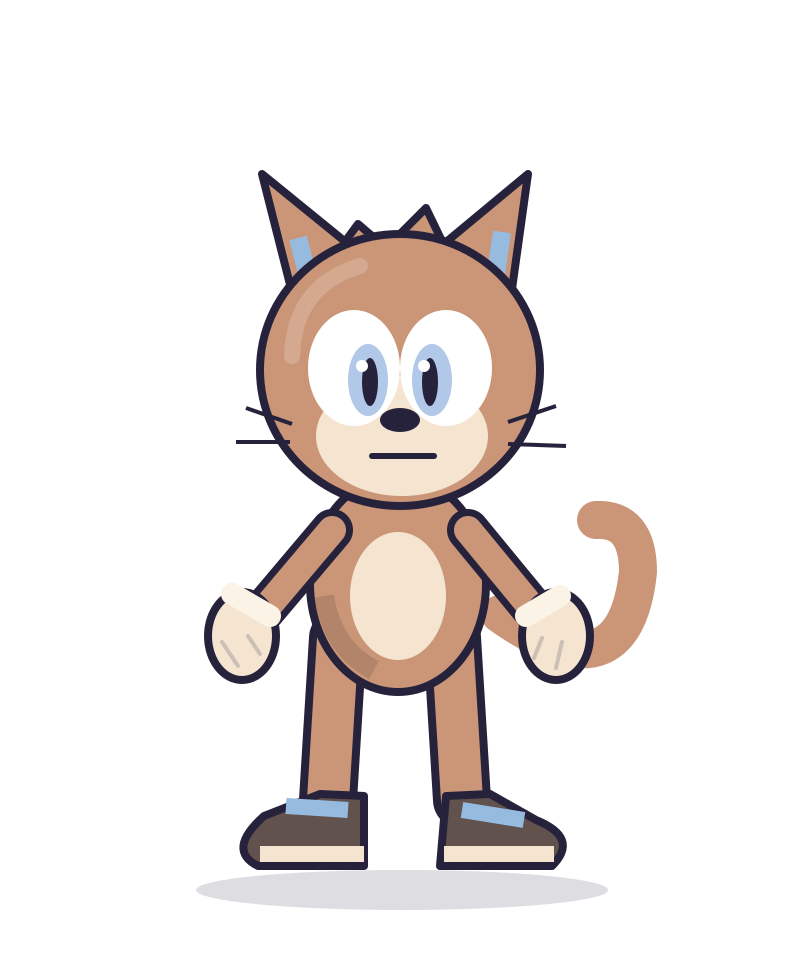
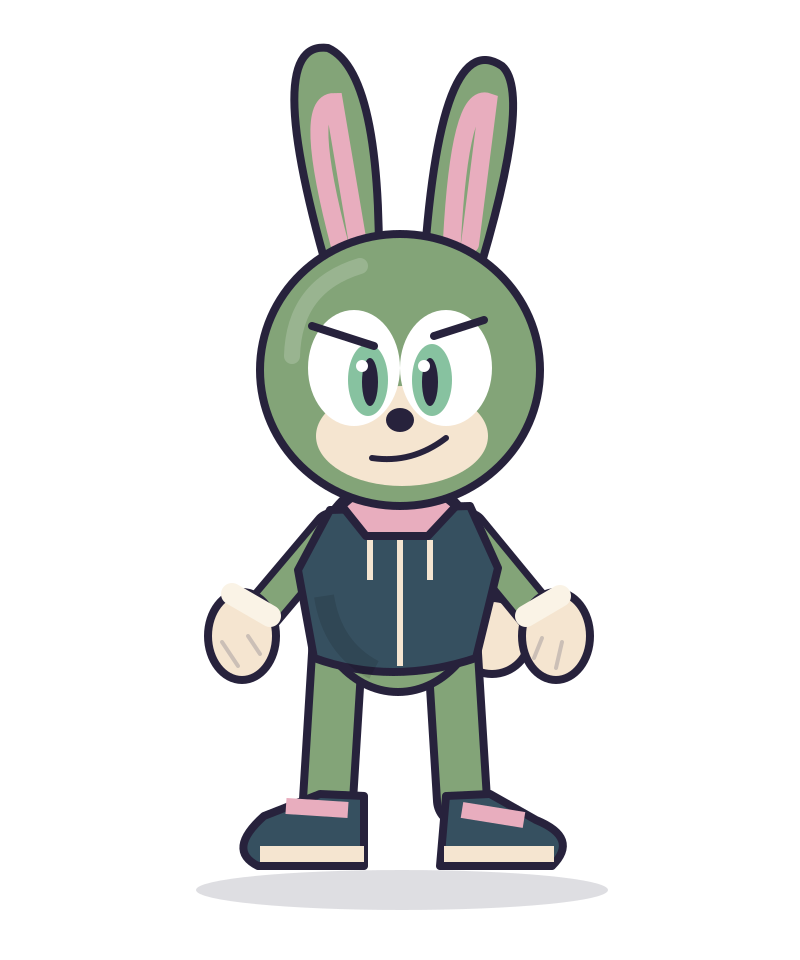
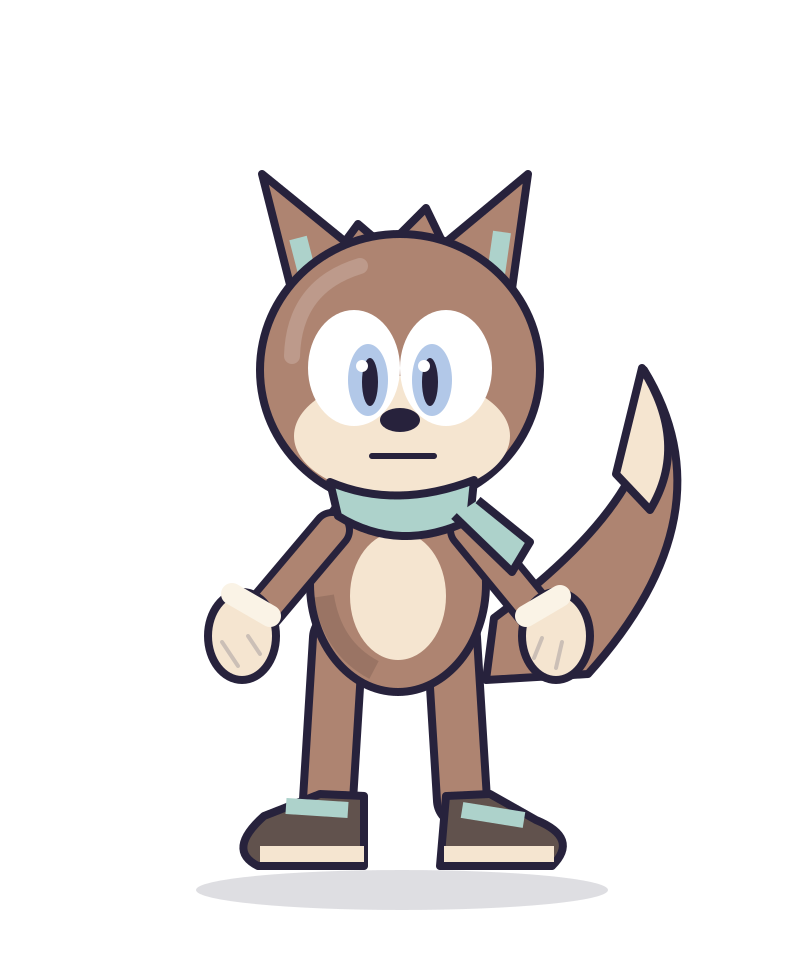
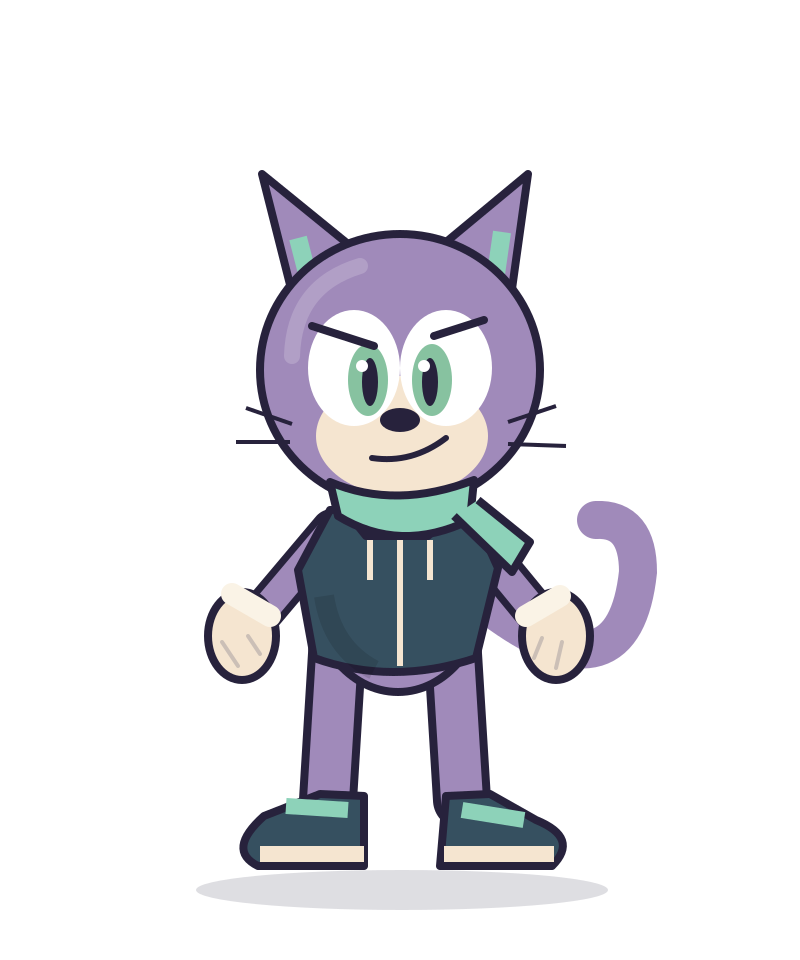
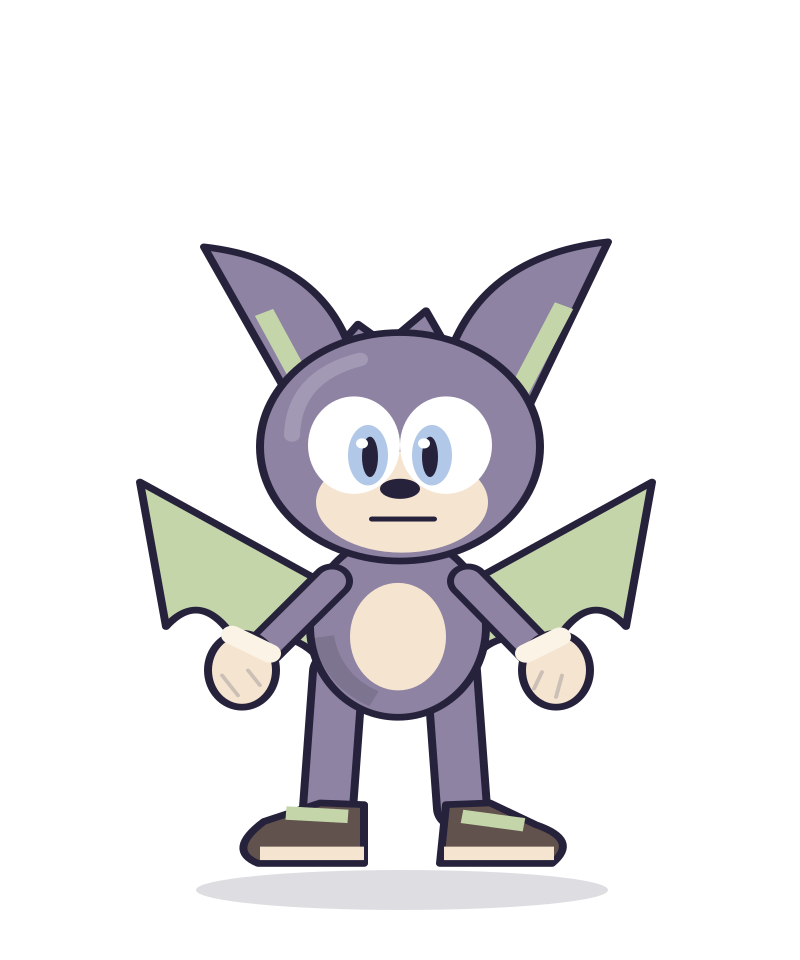
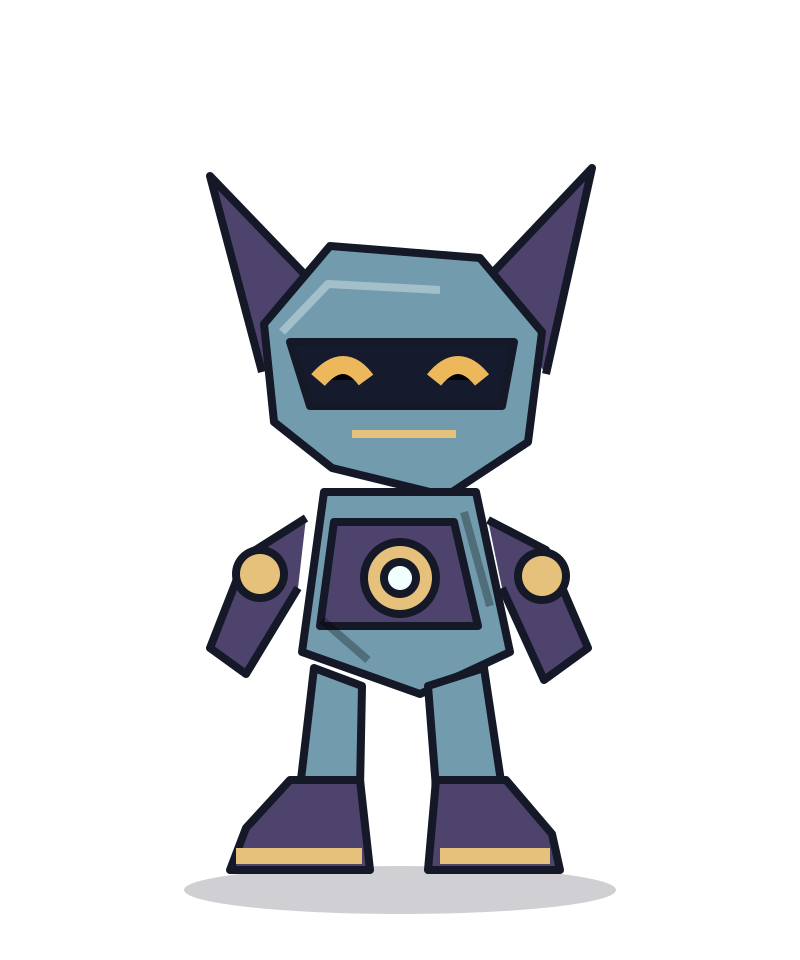
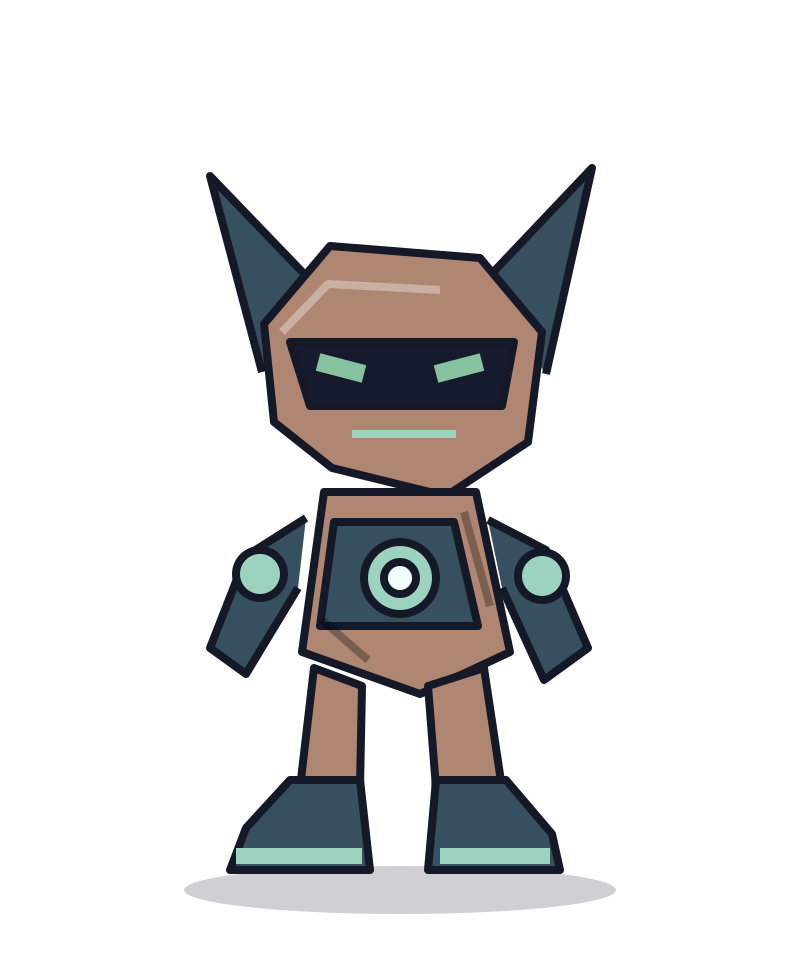
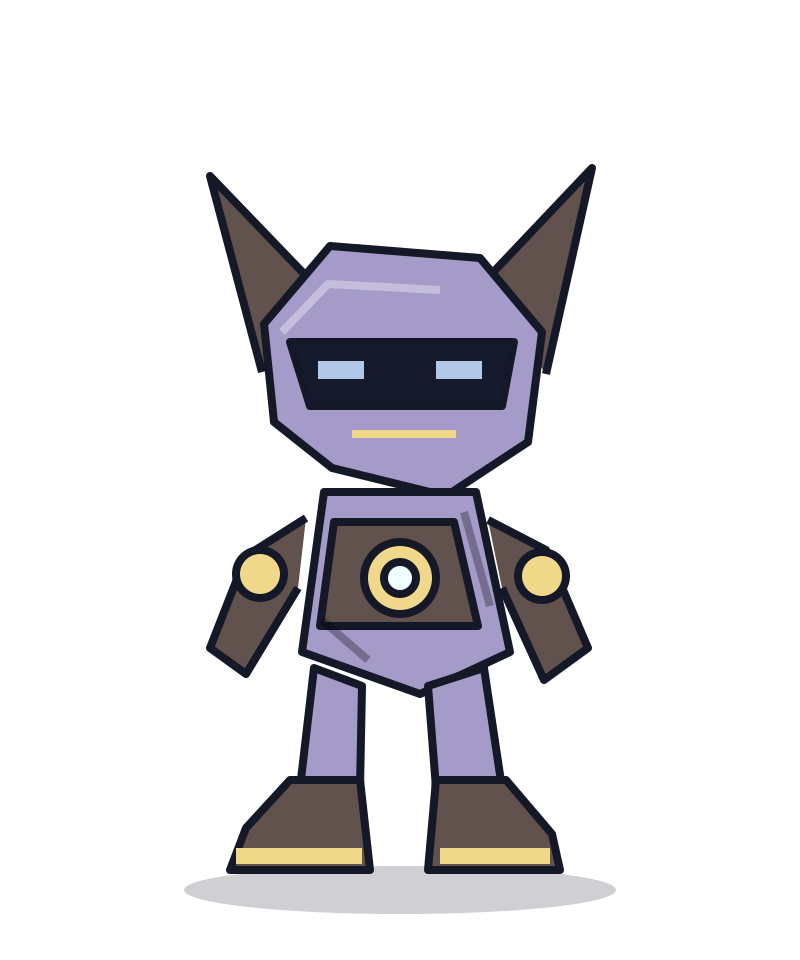
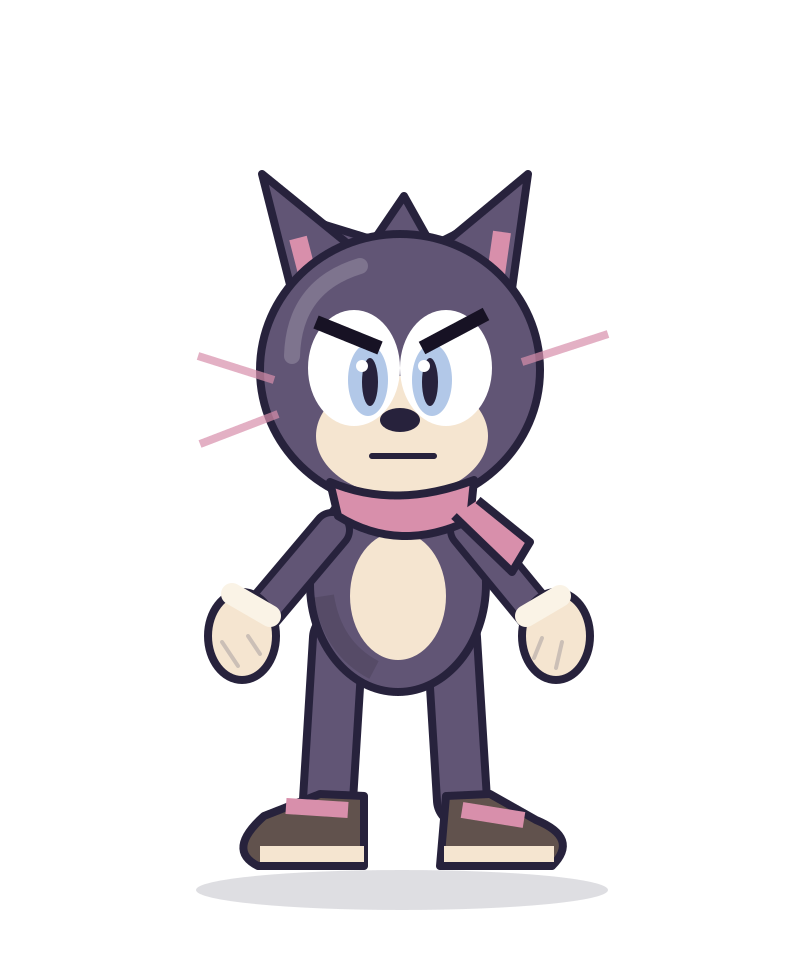
The 30 characters in this library are original starting concepts made for this studio. Open a profile to see the role and story problem, then load that character into the editor. Every preset remains editable. Taking a preset as a starting point does not require keeping its name, occupation or personality; those choices are invitations to develop an idea.
Browse by the kind of story you want to tell
For a practical problem, start with Copper, Rivet or Quartz. Their work creates questions about repair, access and reliable information. For a disagreement between people, try Iris, Marigold or Fable. Their stories involve whose voice gets heard, what an event is for and when a good story stops being fair to its subject.
If you prefer a quieter scene, Lumen, Clover and Solace offer conflicts about preservation, sharing and care. None of these roles has to become a world-saving adventure. A disagreement over one record, one garden bed or one public room can reveal how a character behaves. Choose the scale that lets you finish a scene rather than continually adding background.
Turn a starting concept into your own version
Change the character's problem before adding a large collection of visual details. Suppose you open Piper, a musician. Your version could love performing but struggle to listen, or dislike attention while being responsible for bringing a group together. The occupation stays the same, but the decisions in a scene change.
Next, change one visible feature that supports that interpretation. A calm expression may suit someone who listens carefully; a bright accessory may suggest a performer who wants to be noticed. The available parts will not express every idea literally. Keep unsupported instruments, special clothing and action poses in a written brief for later drawing. The creation guide shows how to carry a concept through these decisions.
Use a constraint when every option looks possible
Too many possibilities can make it difficult to choose anything. Set a temporary rule: keep one species, use two main colors, or give the character a job that requires cooperation. A constraint is a way to make a first version; you can change it after you have something concrete to evaluate.
Try comparing two designs with the same silhouette and different expressions. Then compare two silhouettes with the same palette. These are separate questions, and separating them makes your preference easier to understand. Randomization can introduce an unexpected combination, but a surprising result still needs your judgment. Keep the part that gives you an idea and revise the rest.
Build relationships instead of collecting isolated heroes
Choose two library roles and give them a shared task. An archivist and a storyteller might agree that a local event deserves to be remembered while disagreeing about what can be omitted. A weather-station keeper and a festival organizer may need the same forecast for different decisions. Neither character has to be a villain for the scene to have tension.
Write what each person wants from the other, then add one reason the request is difficult. This creates a relationship you can use repeatedly without making both characters identical. The powers and personality guide develops strengths and limits, while the backstory tool gives you fields for a first scene.
Keep the version that made you want to continue
Once an idea works, download its JSON settings and a preview image. The image lets you compare appearances; the settings let you reopen the editable design. A saved character is easier to develop than a memory of a good random result. Browser storage is convenient for nearby experiments, but a downloaded file is a better handoff between devices.
Add a short note about why you kept that version. “The tall ears and dark outfit make the expression easy to see” is more useful than “version three looks best.” When you return, that note preserves the design decision as well as the picture. You can then work on the missing part, such as a name, relationship or reference sheet, without rebuilding the entire concept.
Find an idea by the creative problem you have
| You already know… | Explore… | Change next… |
|---|---|---|
| The animal you want | Profiles with that species | Role, goal and relationship |
| The story setting | A matching occupation or mission | Silhouette and practical clothing |
| The mood or palette | A visually appealing preset | The decision that reveals personality |
| Only that you want to start | The species quiz | One result you want to keep or reject |
Your sonic oc ideas checklist
Mark the decisions you have checked, then download a record for this project.
This checklist has its own draft in this browser tab. Download it to keep a copy.
Common questions
Can I edit the example characters?
Yes. Load a preset and change its name, colors and supported parts. Switch to the animal system for species controls; robot and companion bodies have fixed anatomy.
Are these official Sonic characters?
No. These are original fan-concept starting points made with the site’s own vector parts.
Can I combine ideas from more than one preset?
Yes. Use a palette from one concept and a role from another, then resolve contradictions. The editor loads one preset at a time; it does not merge anatomy or artwork automatically.