
Published by Sonic OC Maker · Revised · How these guides are made
Choose a drawing base for the problem you need to solve
A drawing base supplies a starting body structure. It can help you compare colors, sketch an outfit or understand where the main forms sit. It does not decide the character's role or replace the drawing decisions required for a new pose. Start by naming the task: a palette study needs a different amount of work from a finished action illustration.
Choose a drawing base for the problem you need to solve · INTERACTIVE MAP
Select an entity to explore its role.
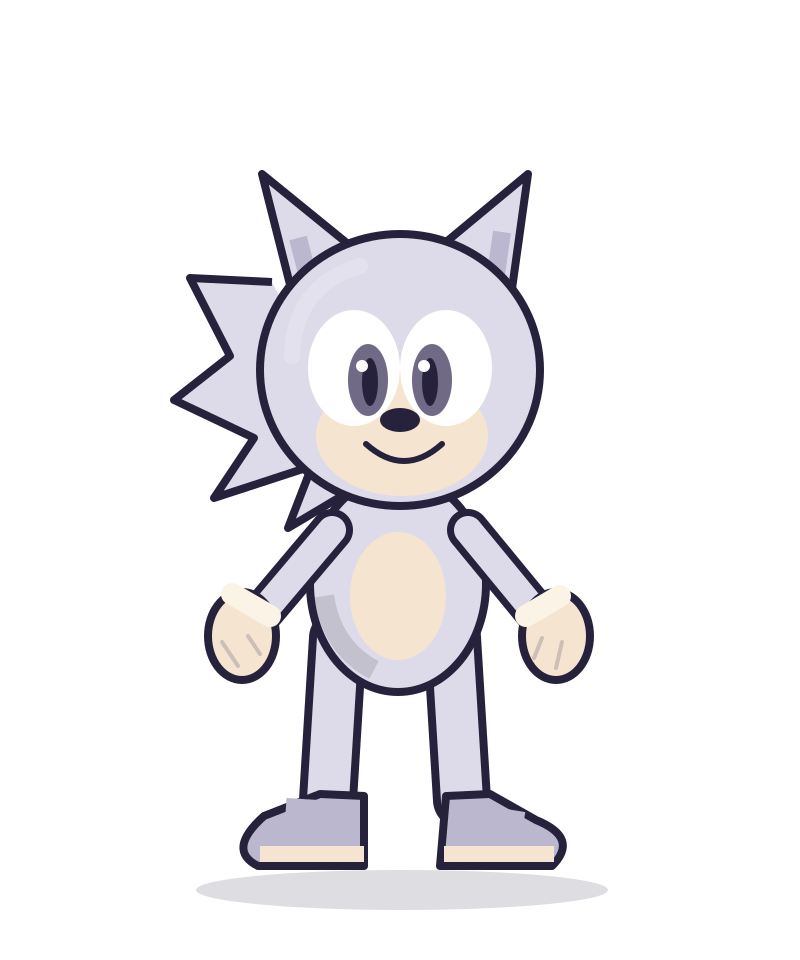
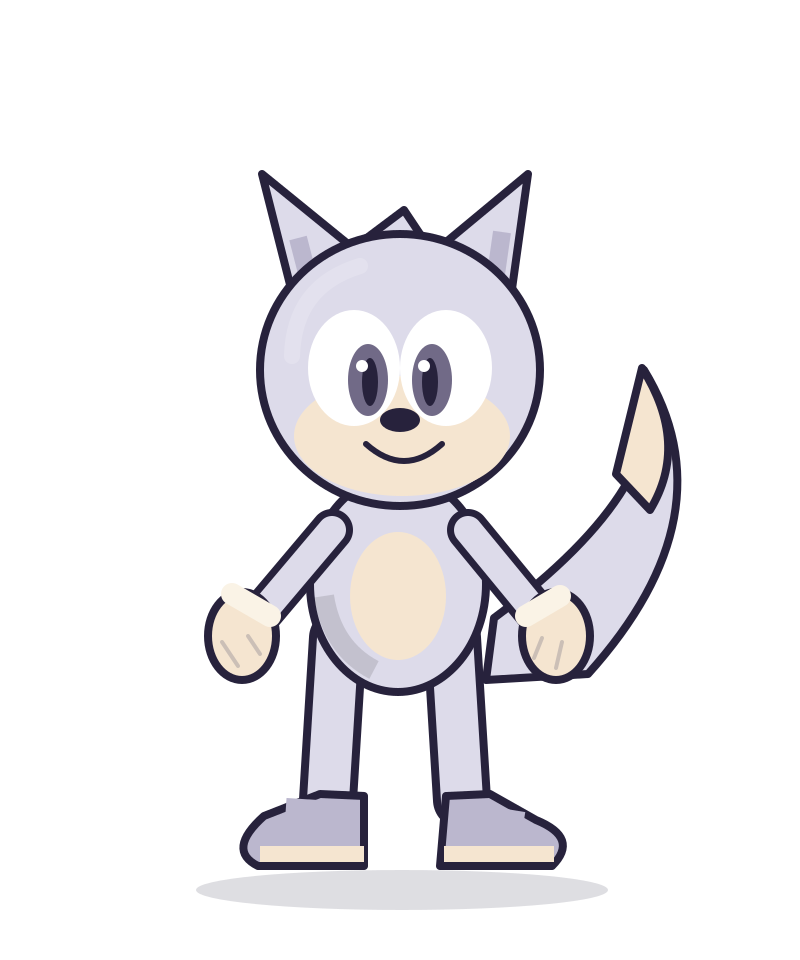
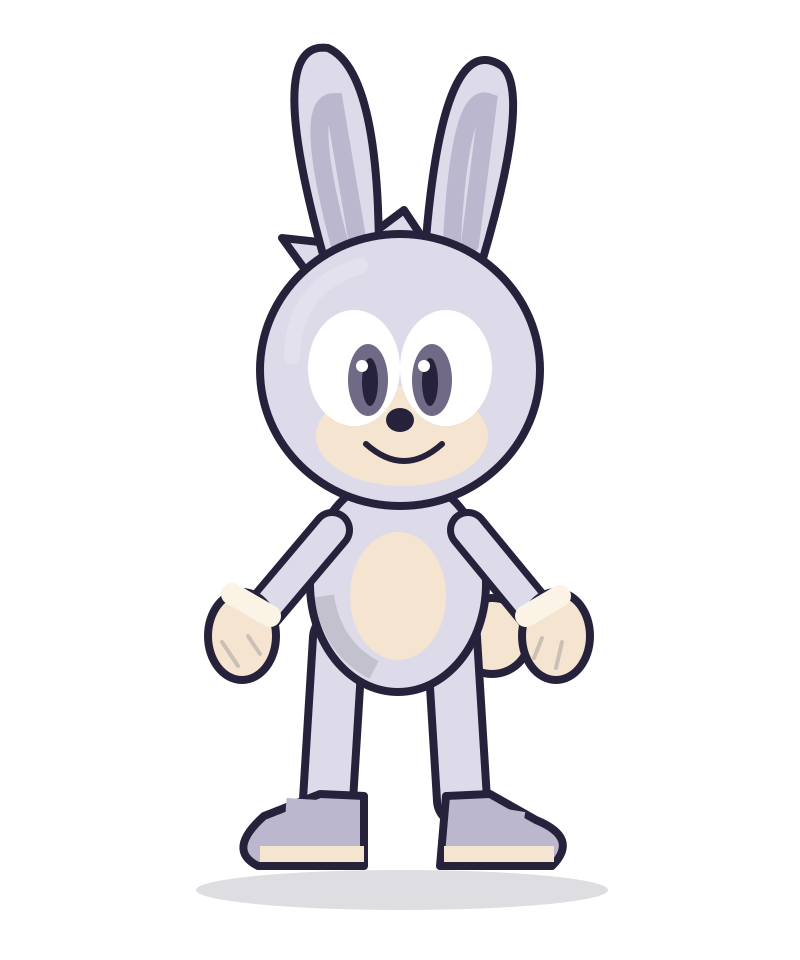
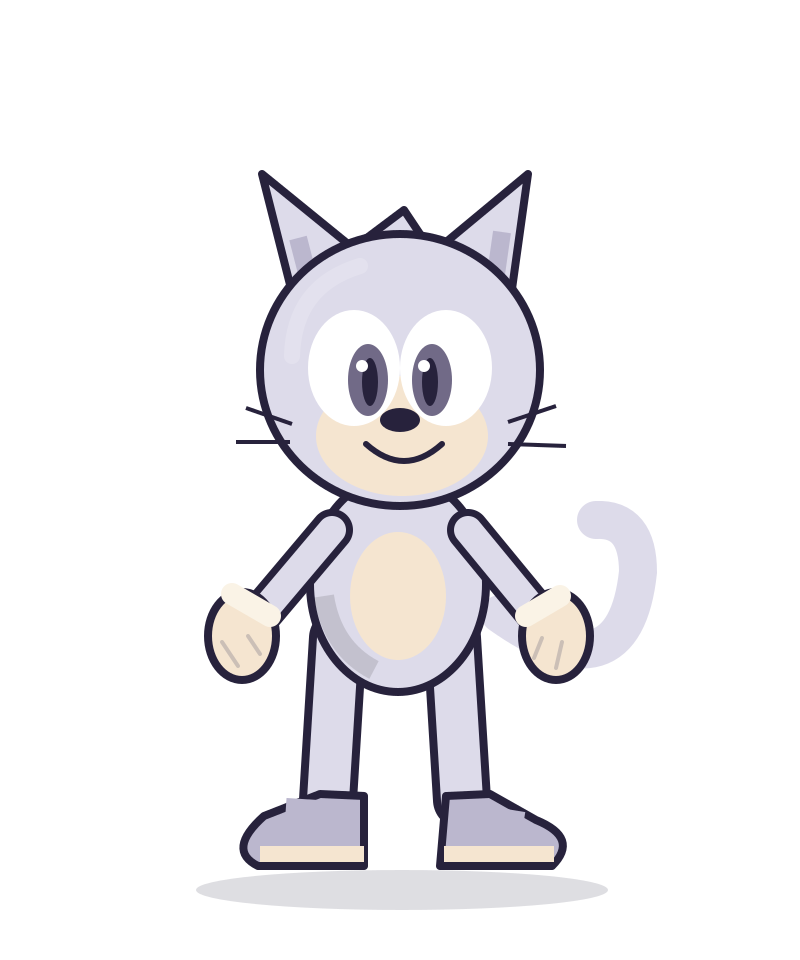
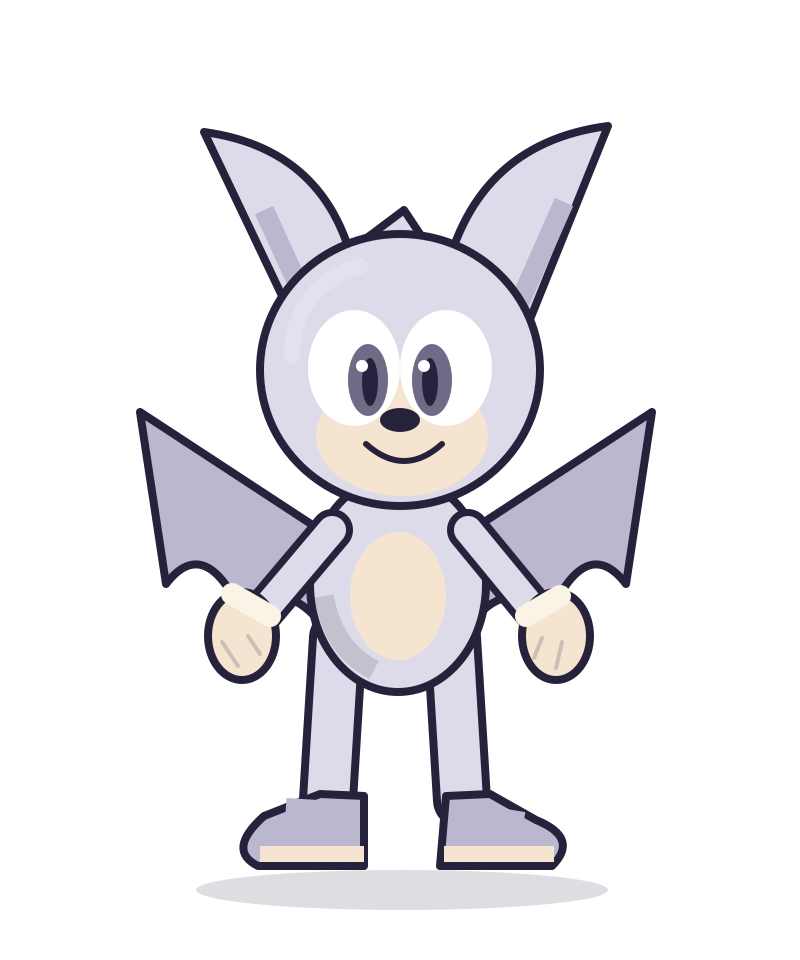
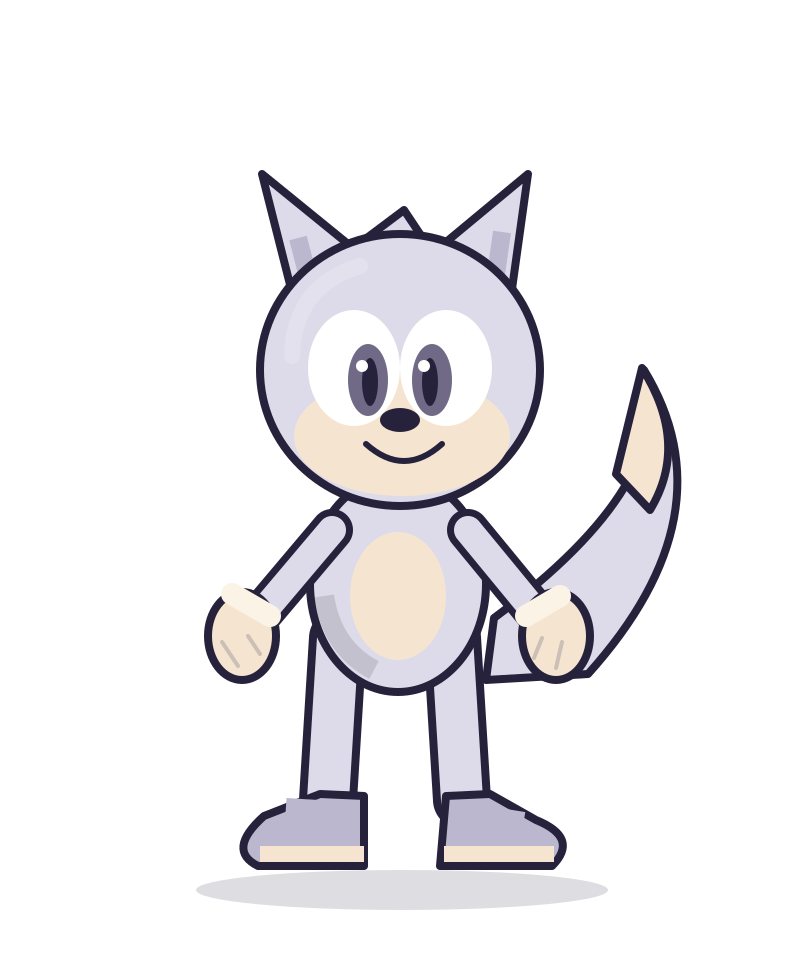
The six downloads on this page are original front-view SVG studies made from this site's character parts. Choose the animal whose outline is closest to the concept you want to develop. Keep the untouched file so you can return to it. For a character that only needs the available editor parts, the main studio may be the simpler workflow because its JSON preserves those selections for later.
Set up a working file that keeps revisions manageable
Open the SVG in a compatible drawing application and keep the original structure separate from your new lines. If the application supports layers, place clothing, markings and notes on their own layers. That lets you change a sleeve or move an accessory without erasing the underlying body. Save the application's editable project file as well as a flattened image.
Use a clear name for each alternative. A short-jacket study and a long-jacket study can share the same colors while testing different silhouettes. That is easier to compare than a sequence where the outfit, palette and pose all change together. Decide which question each version is meant to answer before adding more detail.
Fit clothing to the body instead of tracing a costume over it
Block the large clothing shapes first: where the hem ends, how the sleeves meet the torso and how much of the hands and legs remains visible. A garment should have a readable relationship to the body underneath. When an edge appears to pass through a joint or erase the hand shape, resolve that structure before adding pockets and stitching.
Inspect the drawing without color. Shading can temporarily hide awkward connections, and a bright palette can distract from an unclear outline. Hide the base layer briefly to judge the costume shape, then restore it to check the fit. Use the proportions guide when the real problem is how much room the body leaves for the intended outfit.
Use the base to test markings and color areas
Treat markings as shapes with a hierarchy. A large body region establishes the overall palette, while smaller areas can direct attention. If every marking has the same visual emphasis, the viewer may struggle to find the face. Compare the design at thumbnail size to see which marks contribute to recognition and which become noise.
For an asymmetrical marking, draw or note the corresponding hidden side. A front-view base does not tell an artist whether a stripe continues around the back. Label uncertain areas instead of allowing a later illustration to make the decision accidentally. Record the chosen color values in the reference rather than relying only on a screenshot of the working canvas.
Redraw when the concept needs a new pose or anatomy
An action pose changes perspective, balance and the visible relationship between forms. Stretching or rotating sections of a front view may be useful for a rough sketch, but it does not automatically produce convincing anatomy. Use the base as a proportion reminder while building the new pose, then check how the head, torso and limbs connect from the new angle.
The same applies to unsupported animals and hybrids. A new beak, wing structure or tail attachment is a design task. Decide how it joins the body and moves before treating it as a decorative addition. The species guide can help establish a dominant outline, and a separate sketch can explain the anatomy the original base does not supply.
Turn the study into a useful reference
When the study answers its original question, label what is finished and what is still provisional. A costume color study can be valuable without being a polished illustration. Send it with a brief that identifies the chosen shape, required colors and any missing views. The reference-sheet guide explains how to make those notes easy for another person to use.
Keep your layered working file and the original base. An SVG edited elsewhere is not a studio design JSON and cannot restore custom drawn parts through Import design. If you also create a simplified studio version, save both and explain which one is the current reference. For bases obtained from other artists, consult their own usage notes; this page's original downloads do not establish permissions for someone else's artwork.
What a front-view base can help you solve
| Task | Useful approach | Boundary |
|---|---|---|
| Palette test | Fill large body and clothing areas | Flat colors do not define lighting |
| Costume study | Draw above the base on separate layers | New garments are not imported as studio parts |
| New pose | Use the base to compare proportions | Redraw anatomy for the new angle |
Common questions
Are the bases original to this site?
Yes. They are simplified outputs of the site’s procedural vector artwork.
Do you provide pose packs?
These downloads are front-view bases. Custom action poses require additional drawing.
Can I reopen the downloaded base in the character editor?
The base is an SVG drawing, not a studio design file. Use a compatible drawing application for changes, or use the main studio and its JSON export when you need editable part settings.