
Concept
Find a species that fits your character
Compare species through shape and story rather than popularity.
· Sonic OC Maker · Revised
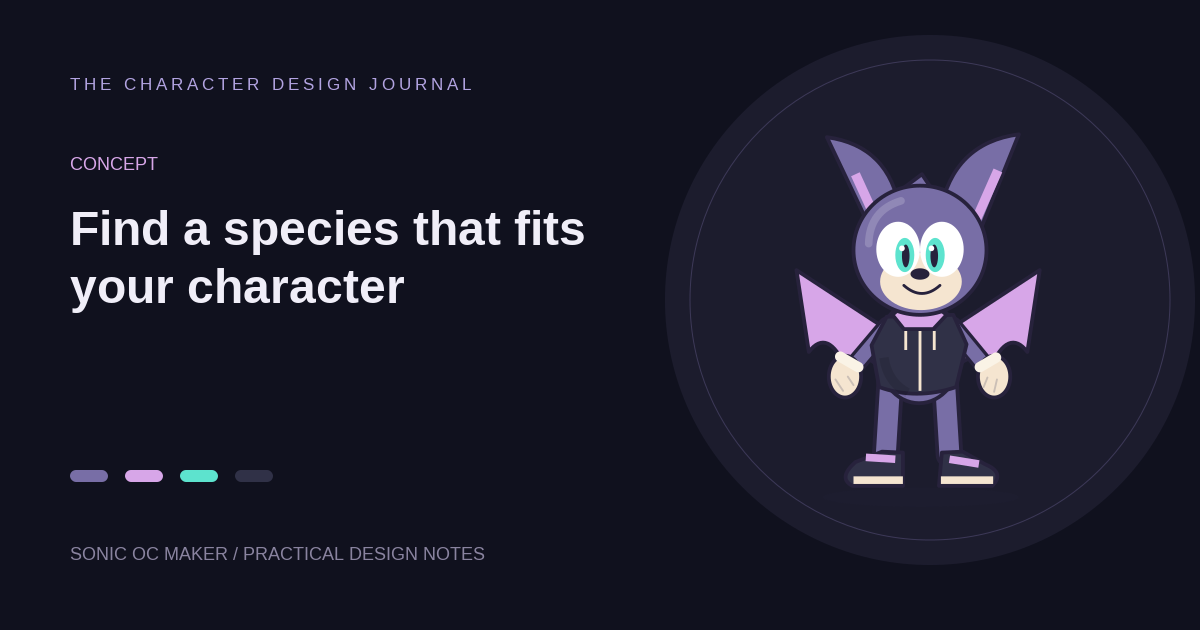
Compare shapes before assigning personalities
A species choice changes the outline and the space available for other features. Rabbit ears create height, bat wings create width, and a cat tail can add a curved line outside the body. These structural differences are visible before a viewer knows anything about the character’s behavior.
They do not decide personality. A wolf can be hesitant, a rabbit can be impatient and a fox can prefer a routine. Choose the outline that serves your intended image, then show personality through decisions. The species guide explains the six available animal options in more detail.
Hold the rest of the design still
Open one preset and keep its palette while comparing two species. Inspect each in the same view and at the same size. If you also change the colors, expression and outfit, you may mistake a preference for the new palette for a preference about anatomy.
Write what changes in the outside contour. Does the face become easier to find? Does the tail remain visible in the crop? Is there room around the head for the ears? These observations give you reasons for a choice that you can use later when preparing another view.
Check the image where it will appear
A full-body reference and a square profile image impose different constraints. Tall ears may be distinctive in one and cut off in the other. Wide wings can make the body small when the entire shape must fit inside a square. Neither problem makes the species wrong, but it may change the crop or pose you request later.
If the intended use is an avatar, test that crop before finalizing details. If the intended use is an illustrator’s reference, preserve the full silhouette and label hidden features separately. The editor gives you one available body system, not every possible pose for that species.
Keep the unsupported details explicit
For a hybrid or an unusual animal, choose the closest supported outline only as a starting point. Write which features should remain and which need to change in a later drawing. A fox preset with a note about a different tail is a concept brief, not a finished rendering of that tail.
Use the species generator when you want an unexpected direction to compare. Keep the result only after checking whether the shape supports your project; the random selection is a prompt, not a verdict.